Evergreen analysis · Published
AI Coding Tool Accessibility: Procurement Needs Evidence
By the ELYMENT AI editorial team · Free to read
Anthropic published an updated Accessibility Conformance Report for Claude Code CLI on 6 October 2026, covering WCAG 2.2 Levels A and AA. Its summary highlights a linear screen reader mode, numbered menus, VoiceOver and NVDA testing, status announcements and a terminal bell. That is useful procurement evidence, not proof that every employee workflow is accessible. Buyers should obtain the current report, record exceptions and test representative tasks with assistive-technology users before rollout. [1][2]
What Anthropic’s accessibility report adds
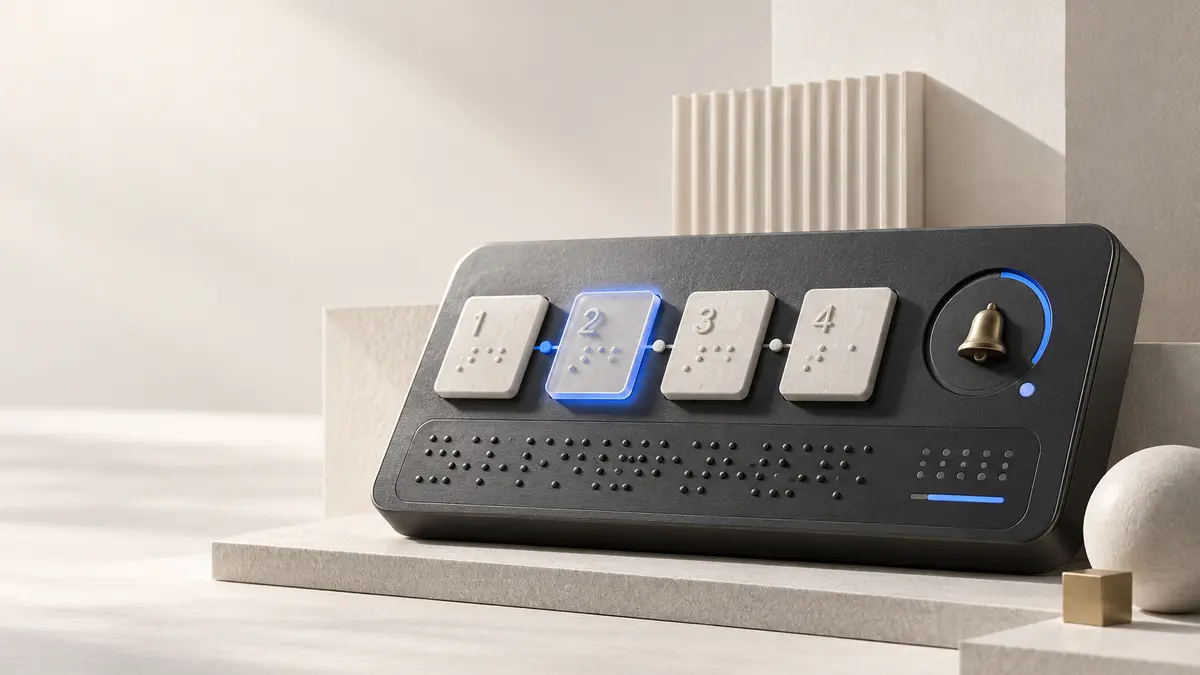
Anthropic says the October report covers WCAG 2.2 Levels A and AA for Claude Code CLI. The published summary says screen reader mode presents the interface as plain, linear text; most menus and prompts become numbered lists that describe each option and its state; and testing included VoiceOver on macOS and NVDA on Windows. It also describes short status announcements and a terminal bell when Claude finishes or needs an answer. [1]
Those details matter because command-line AI tools can hide state changes behind animation, colour, cursor movement or transient output. A linear mode, named options and explicit status messages give procurement and accessibility teams concrete behaviours to inspect rather than relying on a general promise of inclusion.
An ACR is evidence, not a blanket guarantee
WCAG 2.2 defines testable success criteria across Levels A, AA and AAA. Level AA includes every Level A and Level AA requirement, and conformance applies to complete pages or experiences rather than selected components. W3C also notes that conformance claims are made by content providers and are not verified by W3C. [2][3]
An Accessibility Conformance Report can therefore accelerate review, but it should not be treated as a permanent certification for every operating system, terminal, extension, screen reader, authentication flow or company configuration. Record the product version and report date, note any partially supported or unsupported criteria, and ask what changed after the assessment.
Use a four-part accessibility acceptance test
Turn the report into a practical release gate with four connected checks.
- Evidence: obtain the current ACR, scope, assessment method, product version, known exceptions and remediation commitments.
- Workflow: test installation, sign-in, model selection, permission prompts, code review, error recovery and session exit without a mouse.
- Assistive technology: repeat representative tasks with the screen readers, terminals, browsers and operating systems your workforce actually uses.
- Operations: give employees an accessible support route, track defects by severity and owner, and define the evidence required before each upgrade.
Make accessibility part of the buying decision
Australia’s Digital Transformation Agency points to WCAG 2.2 in its own accessibility guidance, reflecting the standard’s role as a shared benchmark for digital services. [4] Business buyers can use the same discipline even when government policy does not directly apply: include accessibility evidence in the request for proposal, score it beside security and privacy, and make unresolved barriers visible in the approval record.
Run the pilot with people who rely on the relevant assistive technologies. Measure whether they can complete the task, understand tool state, recover from errors and independently verify proposed code changes. Track completion time and support needs, but do not reduce the result to a single compliance score. The decision should explain which workflows are accessible now, which require accommodation and what blocks wider rollout.
ELYMENT AI helps teams turn procurement evidence, acceptance criteria and review dates into accountable operating workflows before AI tools scale.
Sources
- Anthropic Trust Center: Updated ACR for Claude Code CLI (6 October 2026) - Primary announcement of the report scope, screen reader mode, VoiceOver and NVDA testing, status announcements and terminal bell.
- W3C: Web Content Accessibility Guidelines 2.2 (5 October 2023) - Authoritative WCAG 2.2 success criteria and conformance requirements.
- W3C WAI: WCAG 2 Level AA Conformance (accessed 12 October 2026) - Official explanation of Level A, AA and AAA and responsibility for conformance claims.
- Australian Digital Transformation Agency: Accessibility (accessed 12 October 2026) - Australian Government accessibility guidance referring to WCAG 2.2.
Continue learning
Frequently asked questions
What is an Accessibility Conformance Report?
It is a structured report describing how a product supports recognised accessibility criteria. Buyers should review its scope, date, product version, assessment method and any partially supported or unsupported criteria.
Does WCAG 2.2 AA mean every workflow is accessible?
No. Level AA covers the Level A and AA success criteria within the report’s stated scope. Organisations still need to test their own configurations, integrations and end-to-end employee workflows. [2][3]
What should a business test before rollout?
Test installation, sign-in, menus, prompts, code review, status messages, error recovery and exit using keyboard-only operation and the assistive technologies used by the workforce.