Evergreen analysis · Published
AI Agent Approval Workflow: A Practical Guide for Businesses
By the ELYMENT AI editorial team · Free to read
An AI agent approval workflow lets an AI worker prepare or recommend an action while a person retains control over the decisions that create real business consequences. Start by allowing the worker to draft, classify or assemble evidence. Then require a named reviewer to approve releases involving money, customer commitments, permissions, sensitive records or irreversible changes. This lets a business automate without treating model output as an authorised act.
Why approvals are the operating system for trust
The most useful AI workers are not just chat tools. They can retrieve information, prepare a response, call a connected tool and propose a next action. That makes the question of authority more important than the quality of a single answer. NIST’s AI Agent Standards Initiative identifies security, identity and trusted interoperability as core issues for agents acting across external systems. In practice, a business needs to decide what its worker may do alone, what it may prepare and what must stop for human sign-off.
Approval gates are not a sign that automation has failed. They are a design choice that lets a team use speed where the downside is low and slow down where an error could cost money, damage a client relationship or expose sensitive information. Base the rule on the consequence, not the novelty of the task.
Use three simple authority levels
Level one is prepare. The AI can summarise a case, classify an enquiry, extract fields from a document, draft a follow-up or build a recommended action. The output stays internal until reviewed. This is the safest place to begin because the team can compare the worker’s proposal with the source material.
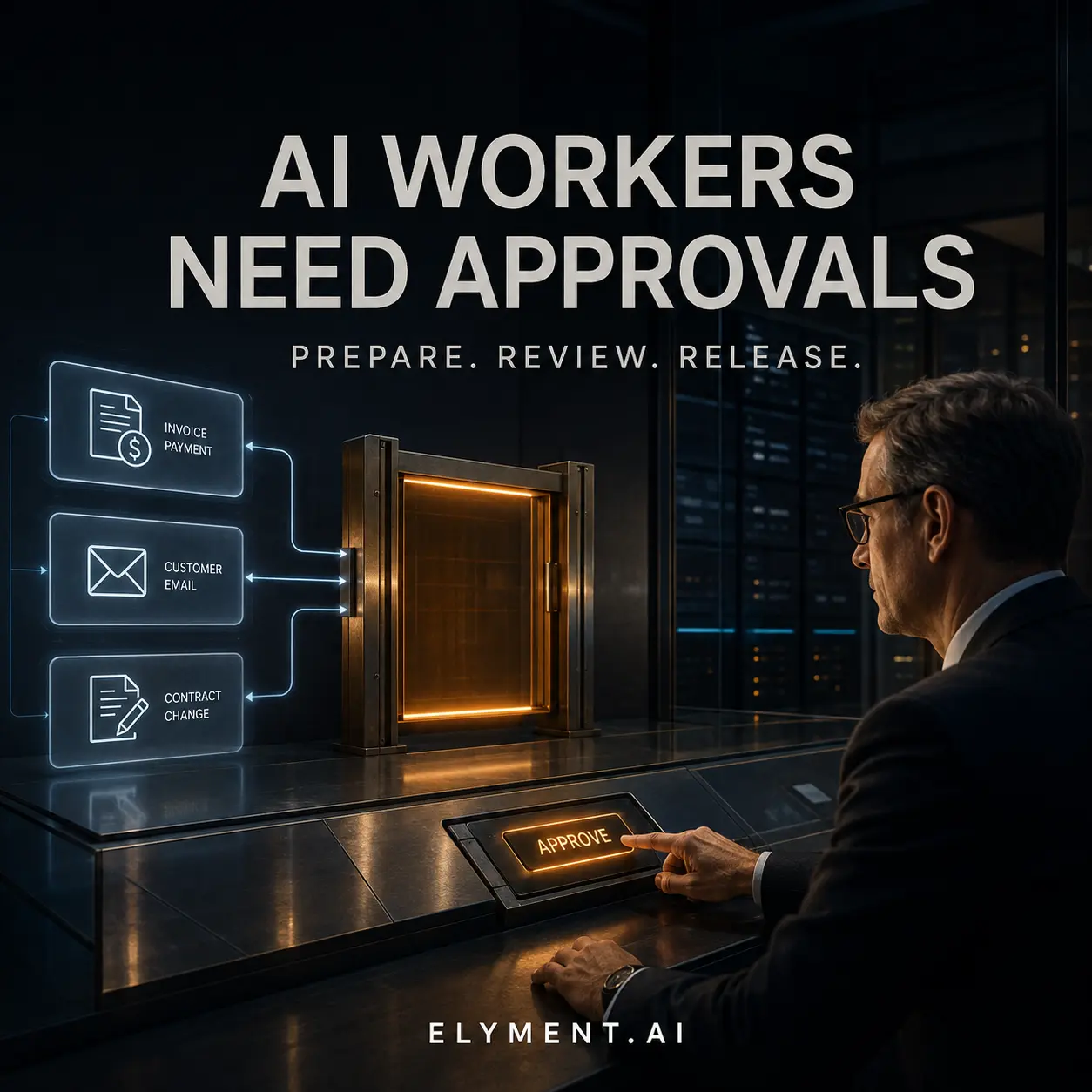
Level two is release with approval. The worker can queue a customer email, submit an expense for payment, update a CRM record or create a contract amendment, but it must present the evidence, recipient, exact change and a clear approve or reject choice to a named person. The reviewer should see what is about to happen.
Level three is bounded autonomy. Only use it for low-risk, reversible actions with clear rules, such as tagging an inbound request, scheduling an internal reminder or routing a document to a review queue. Set limits, record every action and keep a pause control.
- Prepare: research, draft and organise, with no external effect.
- Approve: show the proposed action, evidence, owner and consequence before release.
- Autonomous: allow only low-risk, reversible actions within documented limits.
Build the approval card before you connect the tool
A usable approval card answers five questions: what will happen, why now, which source supports it, who is affected and how can it be undone? For example, an accounts worker could prepare a supplier payment, attach the invoice and purchase-order match, flag a variance and wait for the finance owner. A sales worker could draft a proposal, but not send it or change commercial terms without the accountable person’s approval.
This creates a better audit trail. Keep the input, the proposed output, the approval or rejection, the reviewer and the time. OpenAI’s workplace guidance similarly emphasises keeping human review visible when teams turn individual AI use into repeatable work. Review data helps identify where a worker is reliable enough to gain more scope and where its instructions or source access need tightening.
Measure trust before expanding autonomy
Do not promote a workflow from prepare to approve, or from approve to autonomous, because it feels smooth in a demo. Track correction rate, time saved, approval turnaround, exceptions, cost per completed job and any provider or tool failures. Test one bounded workflow with representative cases, including awkward edge cases, before extending it to client-facing or financial work.
ELYMENT.AI is designed to bring AI workers, business context and approval-led workflows into one workspace. Start with one outcome your team already reviews, make the approval decision clear and only expand authority when the evidence supports it. [Start with ELYMENT.AI](/login) when you are ready to map a governed AI workflow.
Sources
- NIST: AI Agent Standards Initiative for Interoperable and Secure Innovation (17 February 2026) - Sets out NIST's focus on secure, trusted and interoperable AI agents, including research on agent security and identity.
- OpenAI Academy: Run a prompt challenge (Updated 12 June 2026) - Workplace adoption guidance that includes making human review visible when teams turn AI examples into repeatable work.
Continue learning
Related analysis
- AI Agent Checkpoints: How to Pause Long-Running Tasks Safely
AI agent checkpoints let businesses pause long-running work at clear time, spend or risk boundaries, review what has been completed and resume without losing control.
Frequently asked questions
What should an AI agent never do without approval?
Start with approvals for payments, pricing, contracts, external customer commitments, permissions, sensitive-record changes and irreversible data actions. The right boundary depends on the business, but these actions carry clear financial, legal, privacy or relationship consequences.
Can an AI agent send emails automatically?
It can for low-risk, clearly templated cases after testing, but customer-facing messages should usually begin as approval-required. Show the recipient, final text, source context and any promise or commercial term before the message is released.
How do you know when to increase an AI worker's autonomy?
Use evidence from a bounded pilot: consistent quality, low correction rate, understandable failures, reliable tool behaviour and clear recovery steps. Expand one authority boundary at a time and retain a pause control.