Evergreen analysis · Published
AI Lead Response Automation: A Practical 24/7 Workflow for Service Businesses
By the ELYMENT AI editorial team · Free to read
AI lead response automation works best as a governed workflow, not an unattended auto-reply machine. A service business can use an AI worker to capture an enquiry, identify missing details, retrieve approved information, draft a useful response and prepare the next step. A person should retain approval for client-facing messages, pricing, commitments and exceptions until the workflow has earned trust.
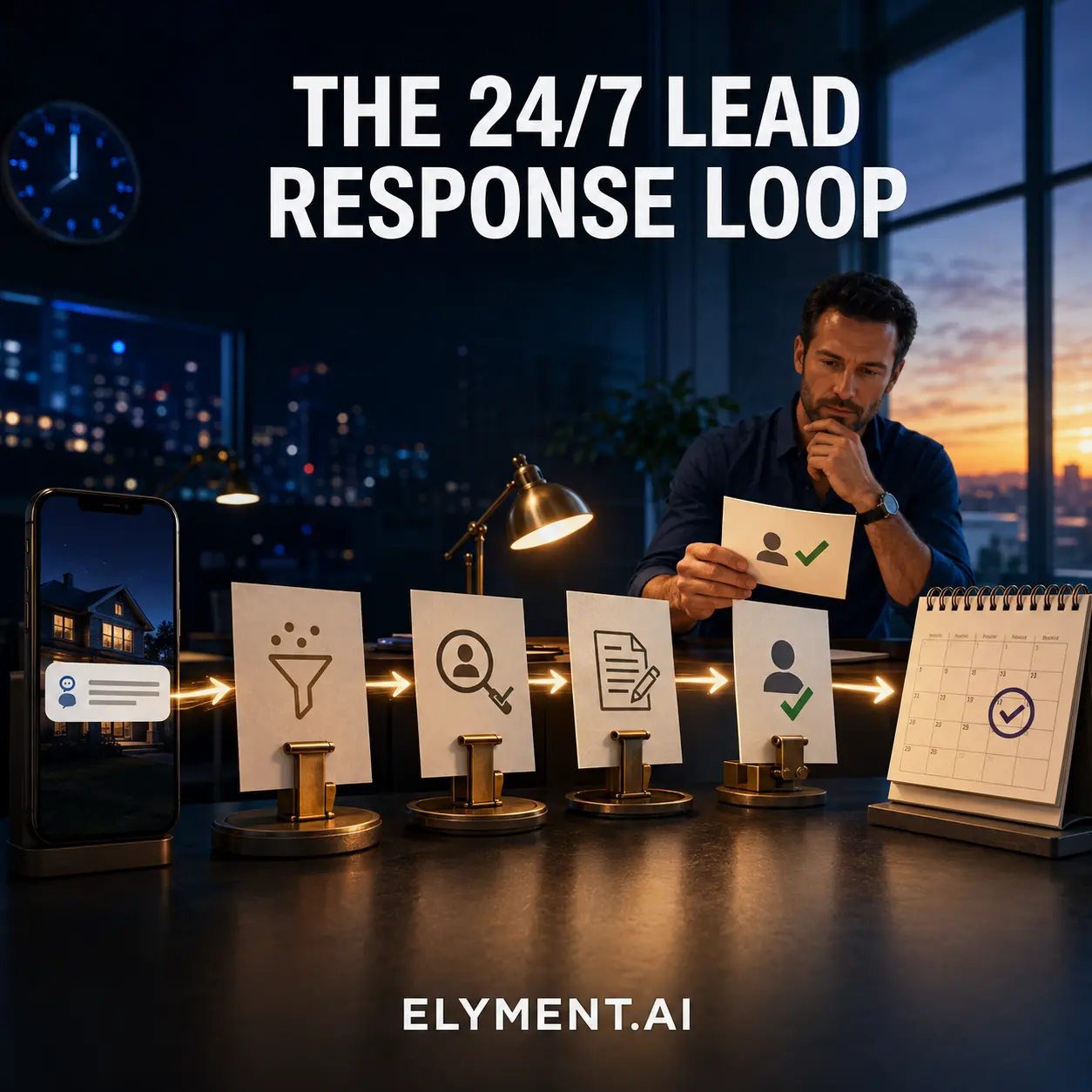
Start with the first customer enquiry
The first enquiry is a strong place to begin because it is time-sensitive, repetitive and often arrives outside business hours. The job is not to make a broad promise on behalf of the business. It is to turn an unstructured message into a clear next action: record the contact, identify the service requested, check the agreed service area or availability rules, and prepare a relevant response.
For example, an electrical contractor might receive a late-night web enquiry about a switchboard issue. The workflow can recognise the job type, flag any urgent wording, request the missing site details and draft an acknowledgement using the business's approved tone. The next morning, a team member sees a concise summary and a proposed reply instead of an inbox full of raw messages.
Put human approval where the risk changes
AI can help with classification, retrieval and drafting, but the right approval point depends on the consequence of being wrong. Keep a human in the loop before sending a quote, confirming a booking, promising a turnaround, changing a record with financial impact or responding to a complaint. This is how the workflow stays useful without pretending that every decision is routine.
OpenAI's agent guidance describes agents as systems that use models, tools and explicit instructions within guardrails. NIST's Generative AI Profile similarly encourages organisations to consider risks across design, use and evaluation. In a lead workflow, guardrails are practical: approved source material, defined escalation rules, limited system permissions and a record of what the worker did.
Build a small lead-response loop before scaling
Keep the first version narrow. Give one AI worker a defined role, such as preparing first-response drafts for a single service line. Connect only the information it needs, such as an approved service list, business hours and an enquiry form. Define what it must never do, including sending unapproved offers or inventing availability.
Then test it on real but supervised enquiries. Review whether it captured the right details, used the right tone, escalated uncertainty and saved staff time. If the workflow performs well, add a controlled hand-off into the CRM, appointment process or follow-up queue. Clear instructions and small, well-defined tools are easier to evaluate than a sprawling agent given access to everything.
- Capture the enquiry and consent context in one trusted record.
- Classify intent and identify the minimum missing information.
- Draft from approved knowledge, then route exceptions or external sends for review.
- Measure completion, correction and escalation rates before expanding scope.
Measure the business outcome, not the novelty
The useful measures are operational: how many enquiries received a prepared response, how quickly staff could approve it, how often the draft needed material correction and whether follow-up was completed. Track the cost of the workflow alongside those outcomes. That makes it possible to improve the process, switch models when appropriate and decide where further automation is justified.
ELYMENT.AI is built around the idea that AI workers should operate within a business context, with human approval workflows, communications and CRM records connected in one workspace. If your team wants to map its first governed AI workflow, start by exploring the platform and selecting one repetitive, high-value hand-off to improve.
Sources
- OpenAI: A practical guide to building agents (Undated, accessed 12 August 2026) - Explains agents, explicit instructions, tools, guardrails, incremental deployment and evaluation.
- NIST: Artificial Intelligence Risk Management Framework, Generative AI Profile (26 July 2024, updated 8 April 2026) - A cross-sectoral companion resource for incorporating trustworthiness considerations into generative AI design, development, use and evaluation.
Continue learning
Related analysis
- AI Document Intake Automation: A Governed Workflow for Service Businesses
A practical, governed AI document-intake workflow for service businesses: classify incoming files, extract the essentials, flag uncertainty and keep people in control of consequential changes.
Frequently asked questions
Should an AI agent send lead replies automatically?
Start with human approval for client-facing replies. Automatic sending can be appropriate only after a narrow, low-risk workflow has been tested, the source material is approved and clear escalation rules are in place.
What information does an AI lead-response workflow need?
Begin with the enquiry, approved service information, business hours, service-area rules, tone guidance and a clear list of actions the worker may and may not take. Add CRM or calendar access only when it is necessary and appropriately governed.
How do you know if AI lead response automation is working?
Measure practical outcomes: prepared-response coverage, time to review, draft-correction rate, escalation rate, completed follow-ups and cost per useful outcome. Review real samples regularly, especially exceptions.